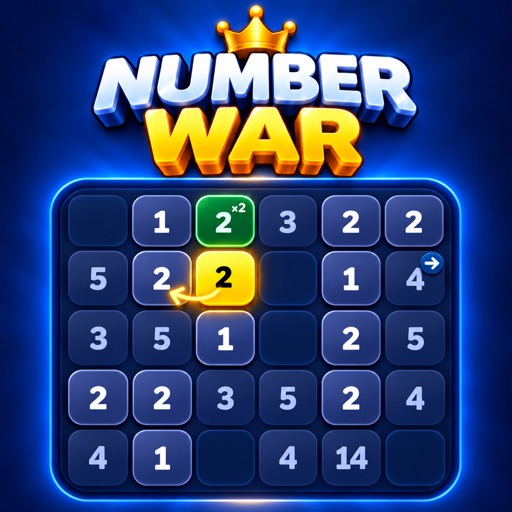
 Number War
Accessibility and play options
Find the available options and support information to make the game more comfortable to use.
Sound, haptics and motion
In the game’s Settings, change sound, haptics and Reduce motion separately. Reduce motion limits visual animation; it does not remove the rules of timed tiles or monster encounters.
Numbers, operation signs, key/lock and direction symbols explain rules visually. Short explanations and new-rule practice appear when you first encounter mechanics.
Language and help
The game and these support pages are available in Turkish and English. Choose the game language in Settings and the web language with the TR / EN buttons above.
If you get stuck, check Hint, Undo and Restart. Any rights, points or ad conditions are shown in the game before the action.
Support scope
This page describes options in published version 1.1.4. It does not claim full VoiceOver, Dynamic Type or compatibility with every assistive technology. App Store accessibility labels are used only for tested and verified support.
This website includes keyboard focus indicators, image descriptions, text that adapts to zoom, reduced-motion preferences and a skip-to-content link.
Accessibility feedback
If you encounter a barrier, email komurcudogukan46@gmail.com with your device model, iOS and game version, assistive technology and the screen involved. Describing the steps helps us reproduce the issue.